
Know what to do next, why it matters, and how it is moving.
The task workspace turns broad priorities into practical work your team can understand, AI can support, and specialists can join without losing the brief.
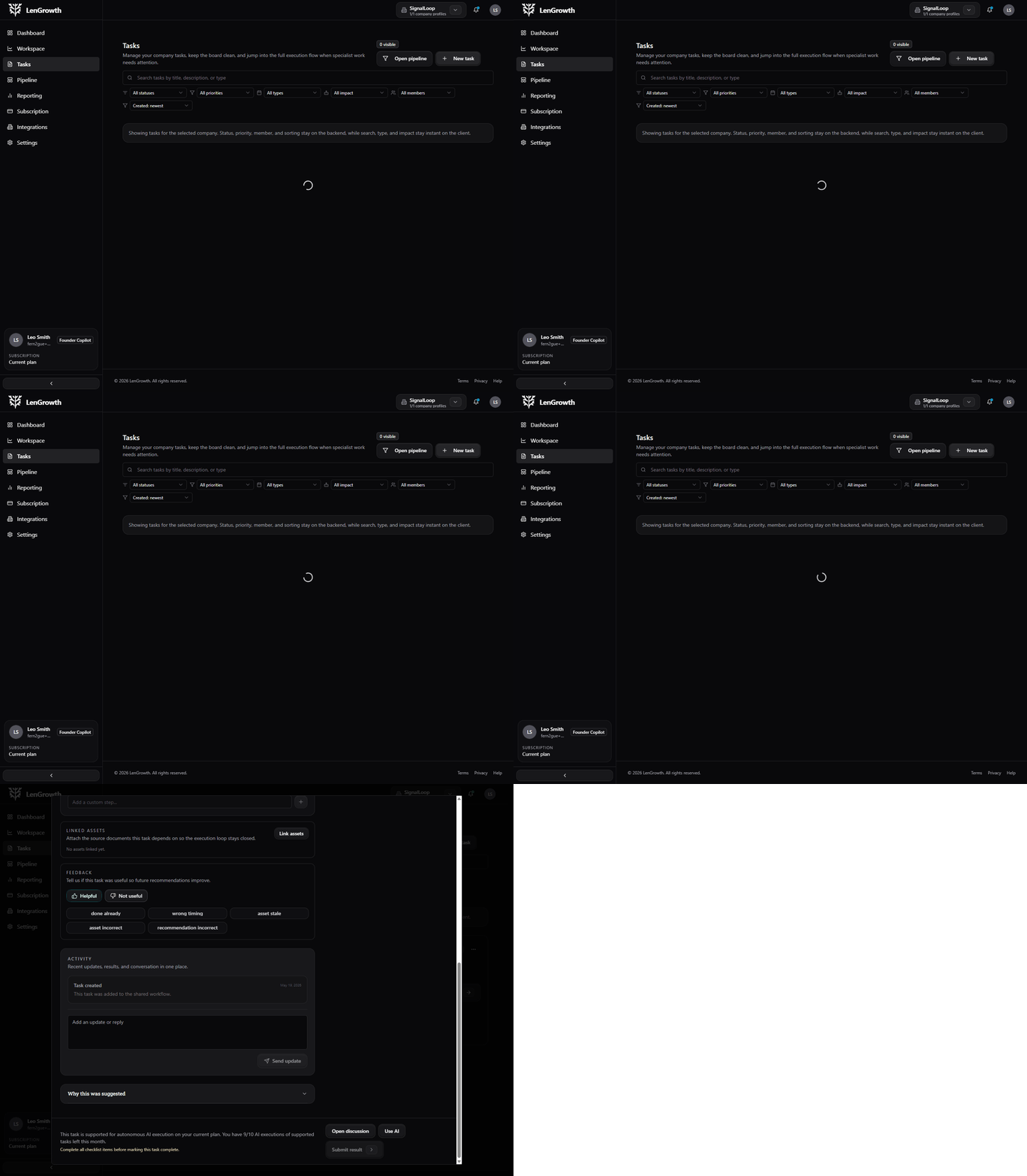
Task detail loop
Open a task and see the context stay attached.
The task stays readable, scoped, and easy to act on.
Why tasks feel different
Every task carries the context needed to move it.
A LenGrowth task is not just a title in a backlog. It explains the purpose, the next action, the support mode, and what finished work should create.
Context built in
Each task is tied to an objective, not dropped into a generic backlog.
Clear support mode
You can see whether the step is manual, AI-supported, or specialist-led.
Visible progress
Checklist progress, blockers, and status changes stay attached to the task itself.
Reusable output
Completed work can turn into assets, deliverables, and future reference points.
What makes it different
A task is not just a row in a list.
It carries the why, the next step, the delivery mode, and the progress signal in one place.
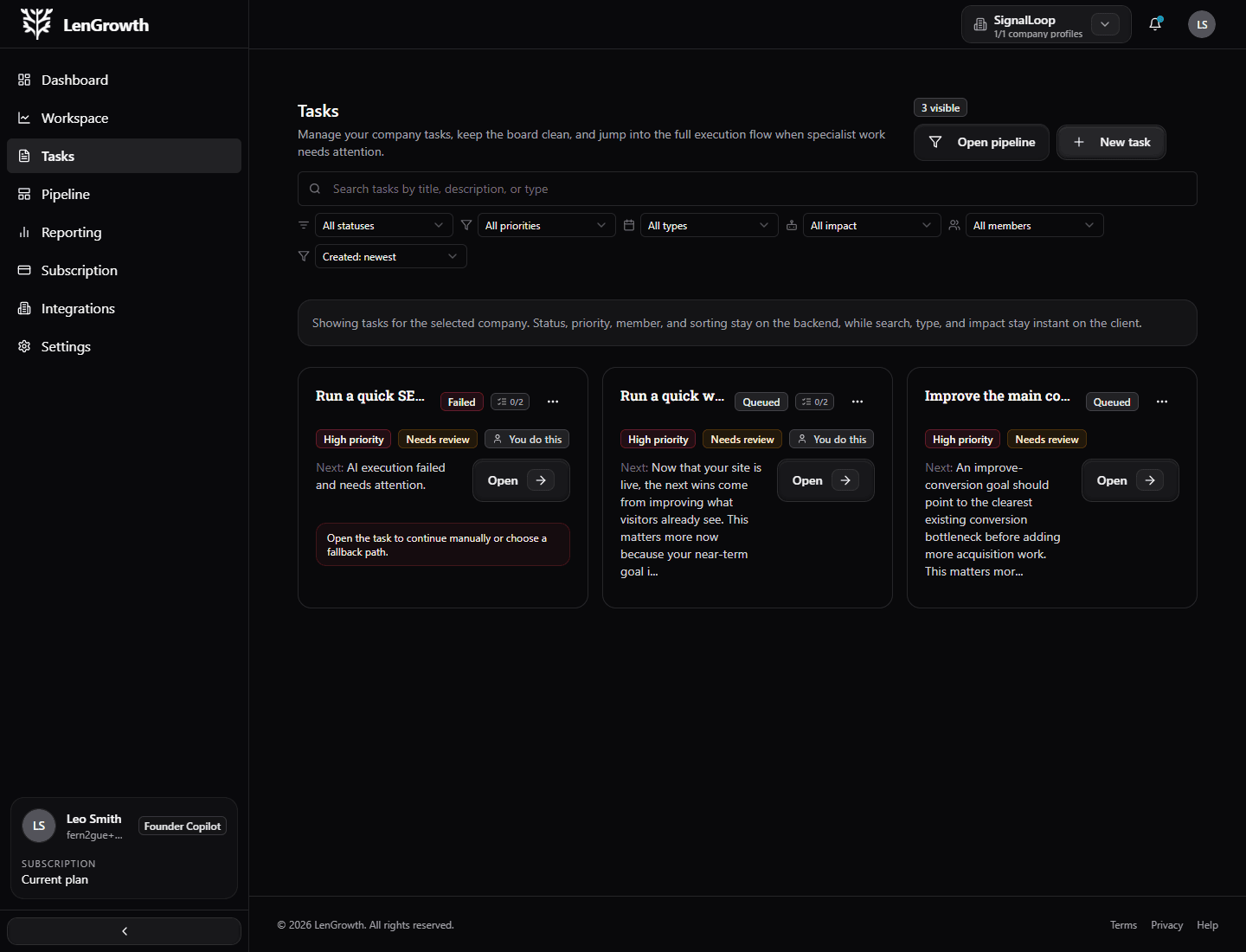
Inside a task
The task keeps title, state, support mode, and progress in one place.
The user can tell what the work is, why it matters, and which kind of help is available.
Current objective
The task stays anchored to the outcome it is meant to support.
Support mode
Every task shows whether it is manual, AI-supported, or specialist-led.
Checklist progress
A visible checklist helps the team know what is complete and what still needs attention.
Connected output
The finished result can link back into assets, reporting, or follow-on work.
Support modes
Best for approvals, judgment calls, and customer-specific decisions.
Best for drafting, summarizing, research, and supported execution.
Best for deeper hands-on work that benefits from a human expert.
Context stays attached.
Support mode is always obvious.
Progress stays visible.
Output can be reused.
From priority to progress
Open the task, choose the path, move the work.
The workspace keeps execution small enough to act on, but connected enough that the user understands why the task matters.
01
Read the why
Open the task and understand the objective before the team starts moving.
02
Pick the support mode
Keep judgment manual, let AI support structured work, or bring in a specialist.
03
Move through the checklist
Progress, blockers, and completion stay visible in the same task.
04
Promote the output
Useful deliverables can become assets, reports, or context for future work.
What users feel
The next move stays visible.
The platform connects context, work, support mode, and proof so the user is not guessing what just happened or what needs attention next.
Context stays attached.
Support mode is always obvious.
Progress stays visible.
Why clients like this model
A task is more than a to-do item.
LenGrowth does not ask your team to interpret a vague strategy memo. It turns the current priority into work that is easier to start, easier to delegate, and easier to finish.
A few things stay constant
The work stays connected to a real objective and is easier to follow from start to finish.
AI helps where it is useful, not where it creates risk.
Specialist support can join without losing the original context.
A few questions clients usually ask.
See the work as something you can actually move.
A clearer task workspace helps teams stay aligned, start faster, and finish with fewer handoff gaps.